Team & Collaboration
Team & Collaboration
Everyone works off the same live plan — with a join code, five roles, and GPS time tracking. Contractors and clients never take a seat.
Join by codeFive rolesTime on site (GPS)Attendance PDF
Everyone works off the same live plan — with a join code, five roles, and GPS time tracking. Contractors and clients never take a seat.
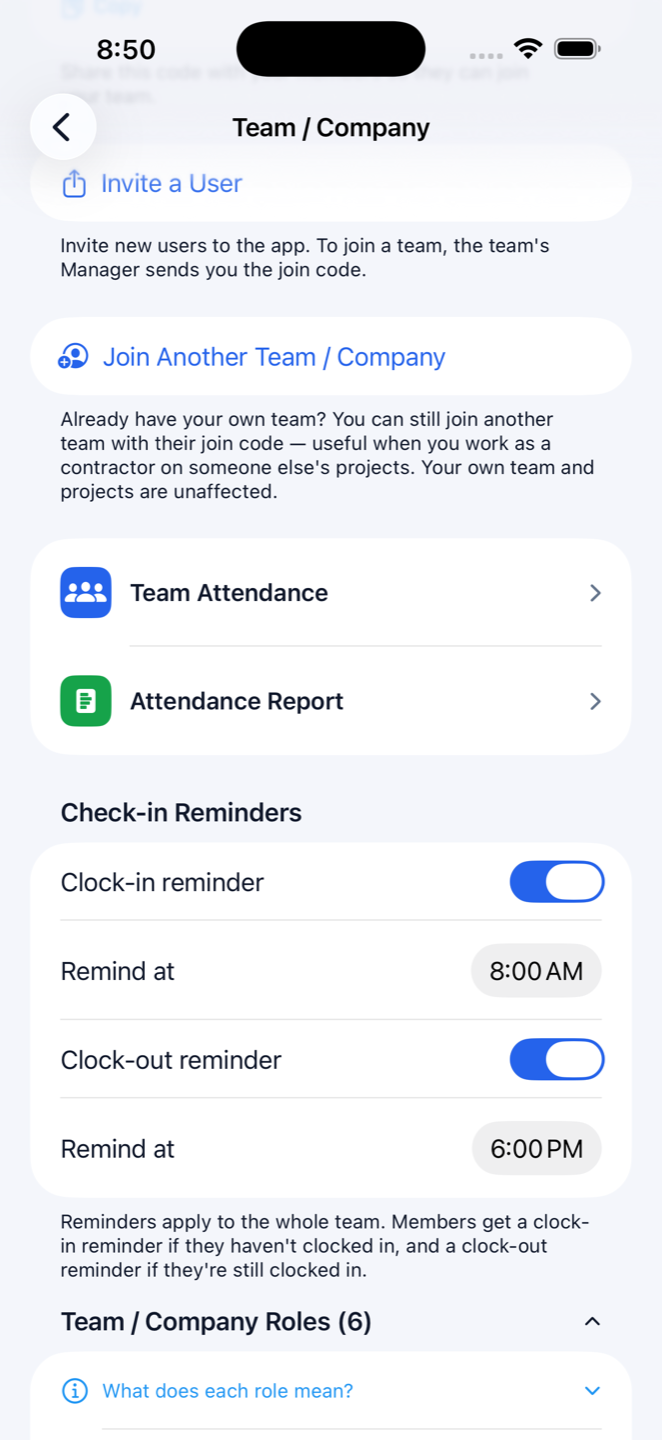
Construction Gantt doubles as a construction time clock app: every project card carries a one-tap clock-in and clock-out. Each punch stores a GPS location you can open on a map, the card shows live time on site, and starting on another job automatically clocks you out of the last one. Managers can set clock-in and clock-out reminders for the whole crew, and fix a missed punch manually.
The attendance report filters by date range, project or member, totals the hours, and prints or shares as a PDF. When someone asks "how many days did I work on the Smith job?", the answer is a filter, not an argument.
Every account starts with its own team; others join by code. The owner is the subscriber and the only one who can delete projects. Managers run everything else and see every project. Employees create and work their own jobs. Contractors see only what they're assigned. Viewers — your clients — can look, like and comment, nothing more. Anyone who scans in joins as a read-only viewer by default; you promote them deliberately, never by accident.
Contractors and viewers never take a paid seat, and there's no limit on how many you invite — only internal members (owner, managers, employees) count. You can belong to several companies at once, so a subbie can work inside three builders' teams from one phone, and anyone on their own paid plan joins your company without using your seats.